Cute screenshot frames, free
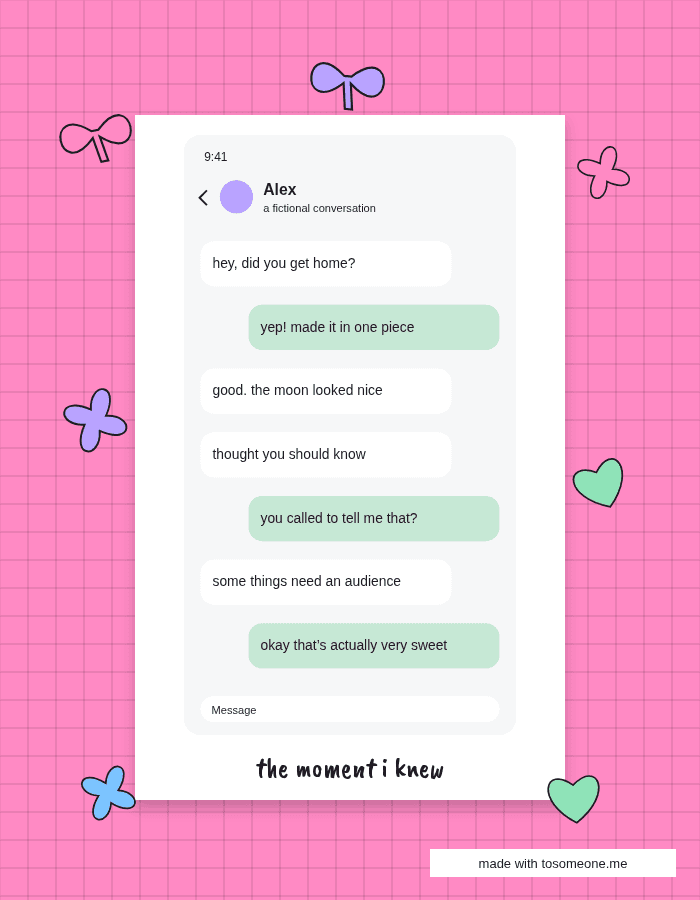
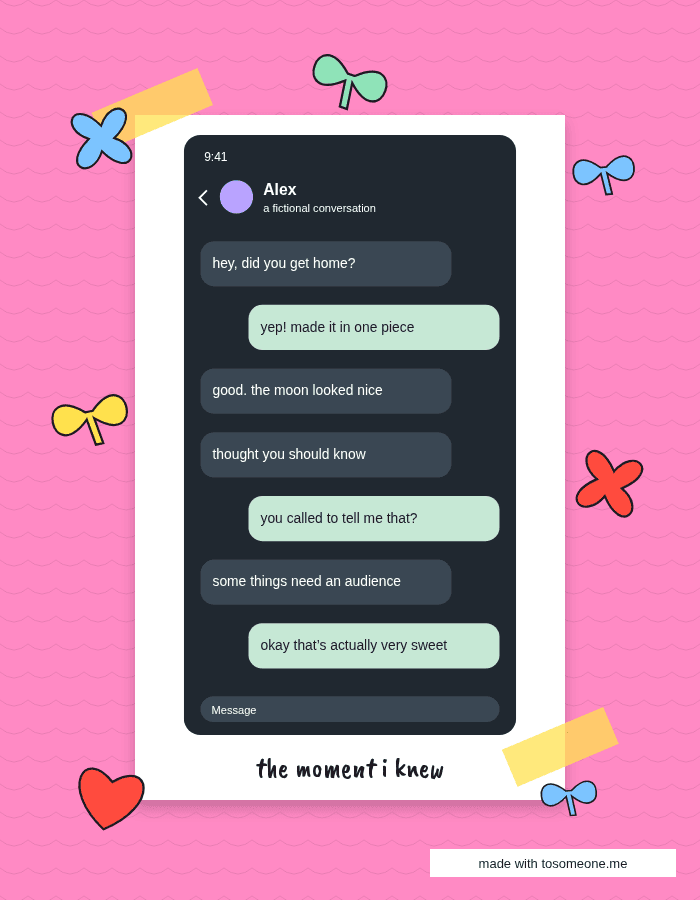
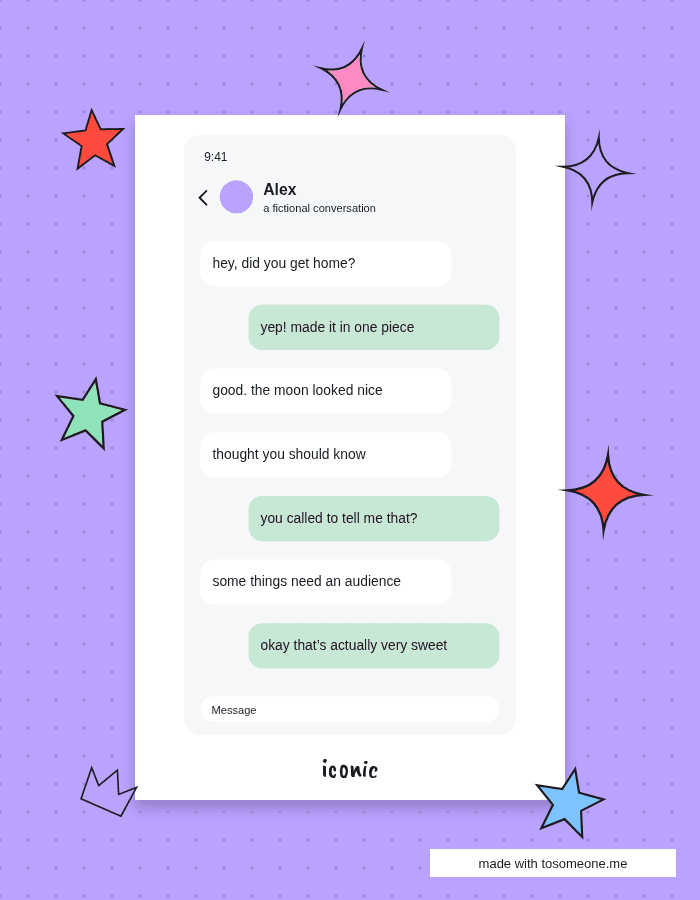
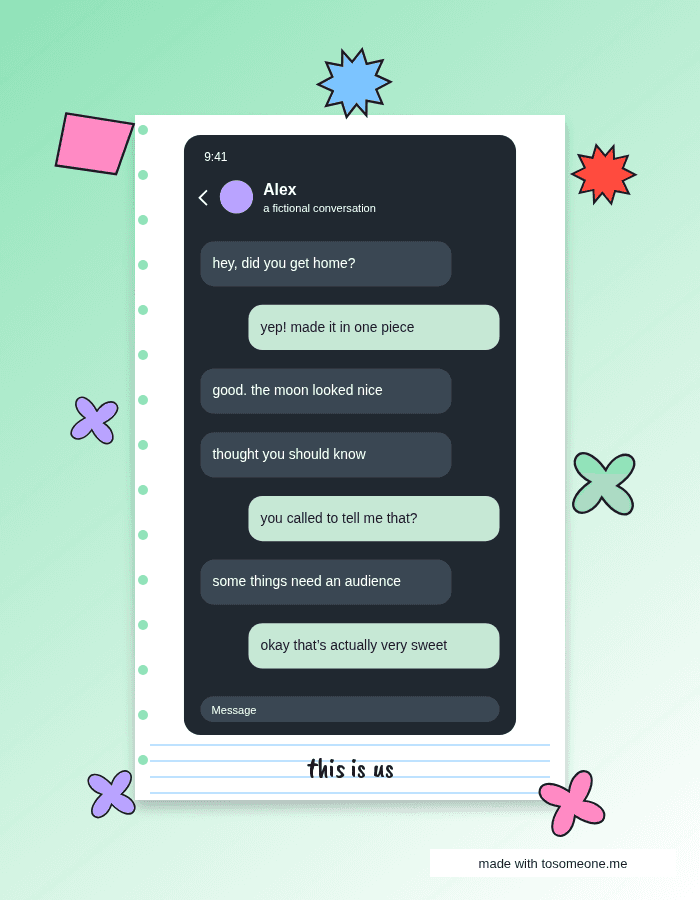
A frame can turn a plain screenshot into a little physical-looking keepsake. Choose from twelve looks, including Polaroid paper, tape corners, a cork board, a postcard and a notebook page. The screenshot remains the center of the composition. All frames are free, with color variants and room for an optional caption.
Try this style →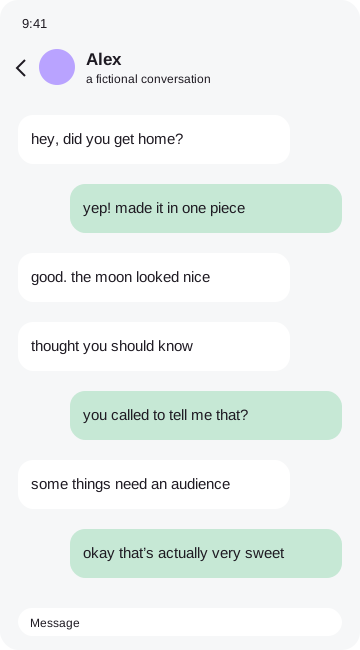 the moment i knew
Twelve frames to try
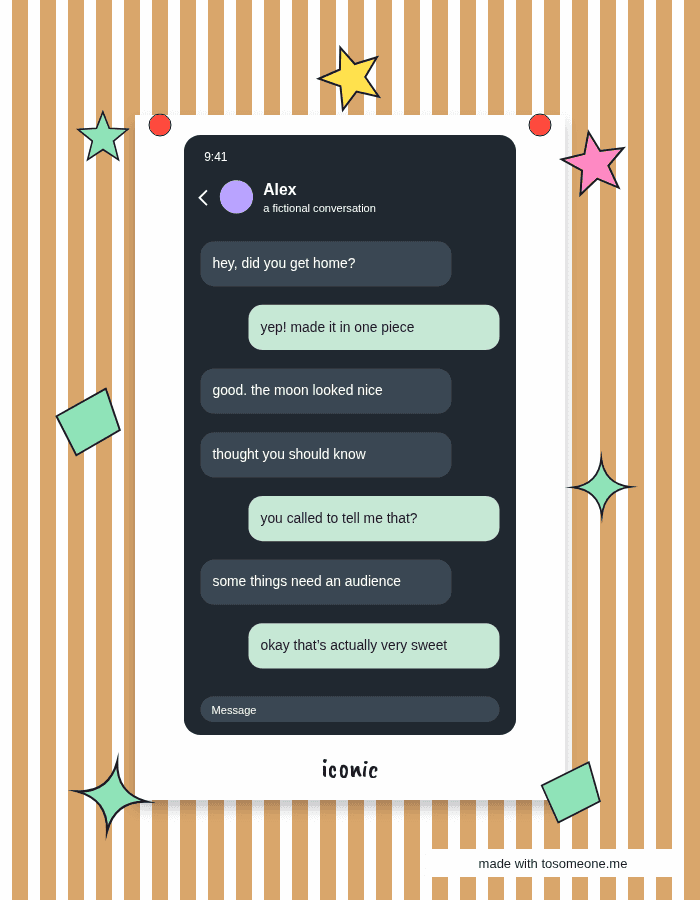
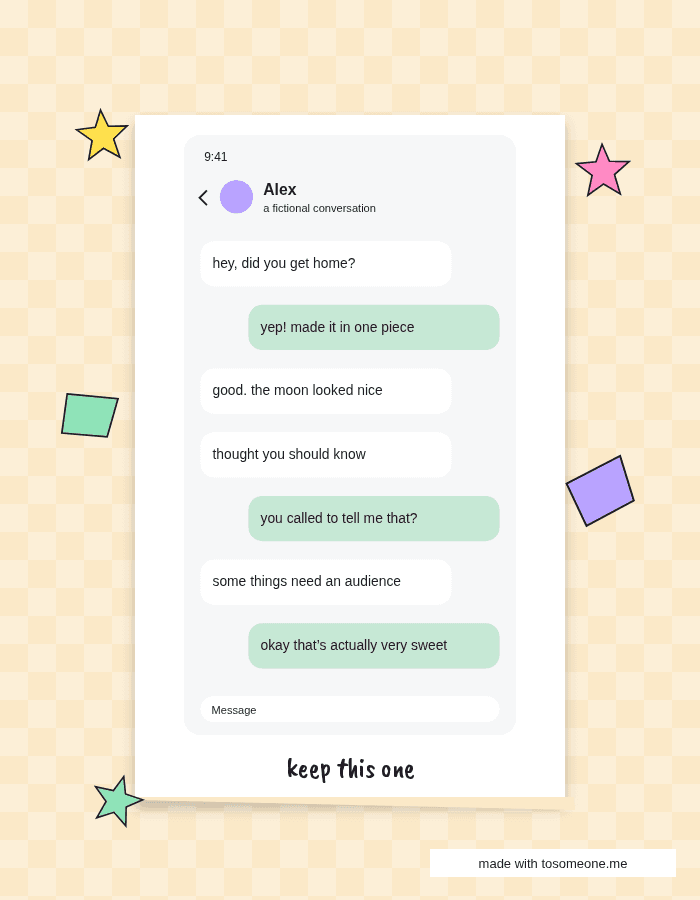
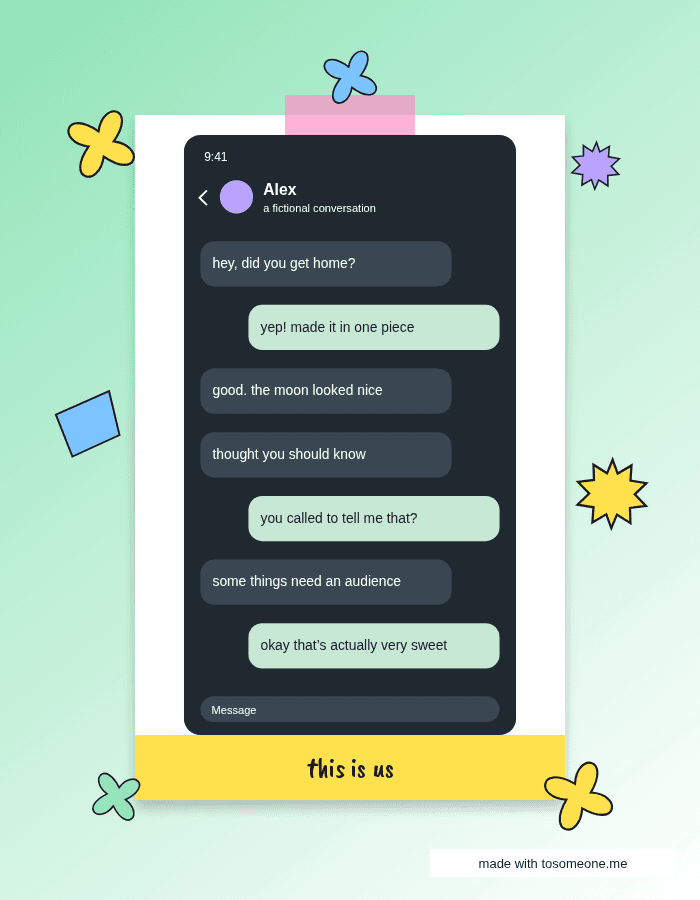
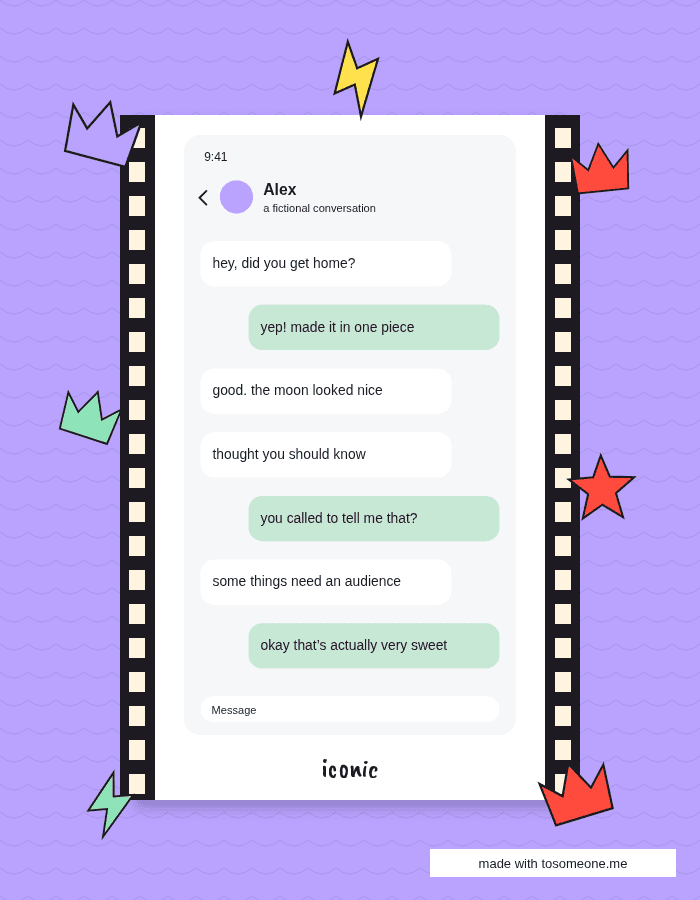
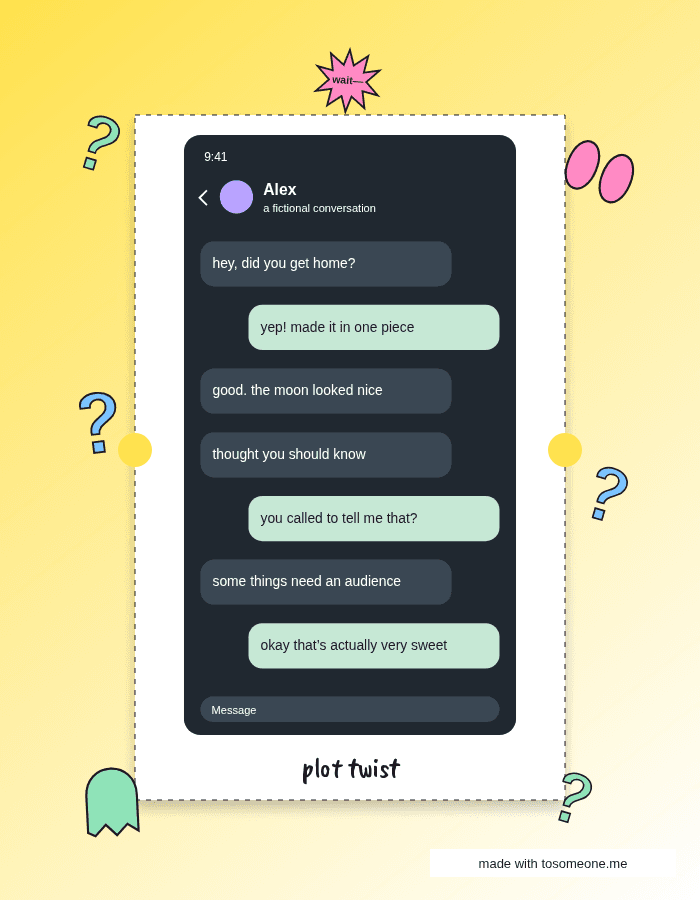
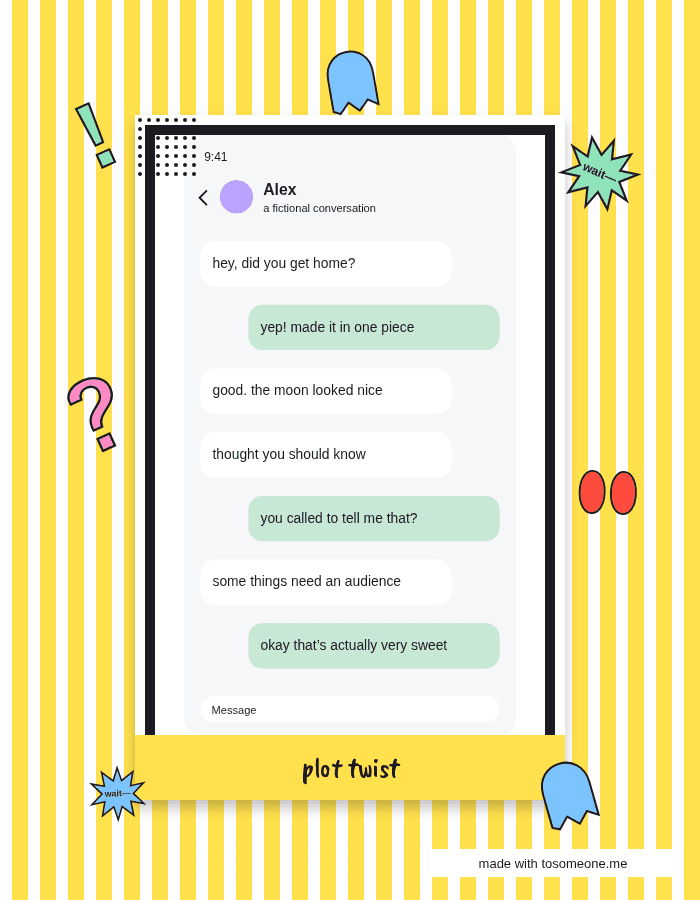
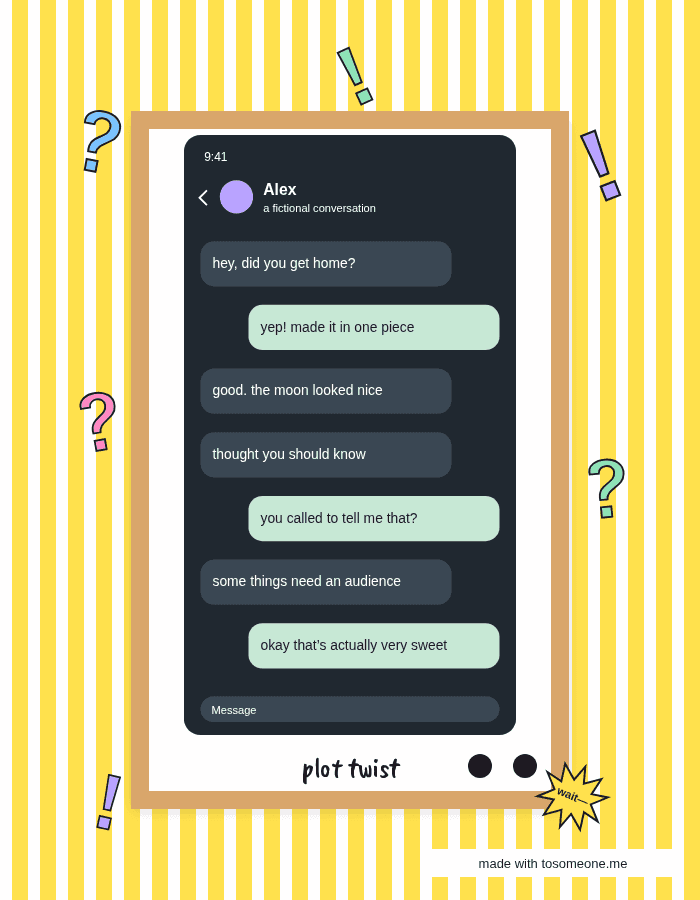
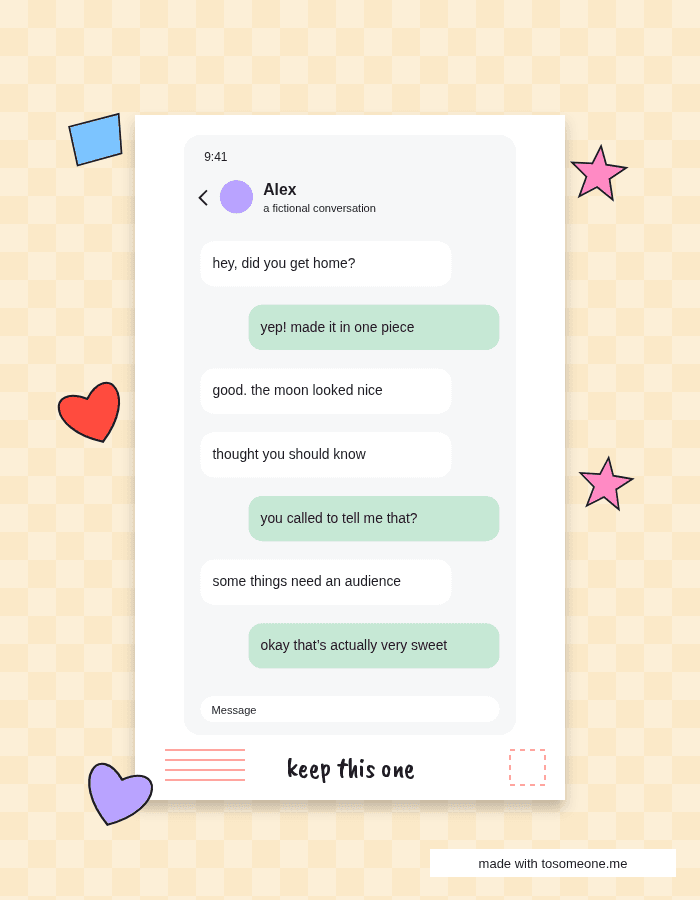
How to make it
- Pick a screenshot or open the fictional sample.
- Choose a frame in the Frames tab.
- Try paper white, cream or pink and add a caption.
- Save a story image or a file for printing.
Find the right amount of paper
Polaroid works well when you want a handwritten line underneath. Tape corners feel casual, while a notebook page suits everyday memories. Comic panel and Retro TV are louder choices for a funny exchange. Keepsake moments often need less decoration: try Torn paper or Postcard with one small star. You can change frames without importing your screenshot again, and undo takes you back if the previous look felt better.
Your original image remains in browser memory while you work. Frames, stickers and marks become part of a flattened export, so the result is ready to save or share. You can remove the tiny credit sticker in the Export tab with one tap. No account, payment or tracking is required. Before sending a personal conversation to someone else, check every corner of the exported file and make sure you have permission to share it.
Good questions
Are all twelve frames free?+
Yes. Every frame, color variant and export option is free.
Is my screenshot uploaded?+
No. Image processing and exports happen entirely in your browser.
Can I remove the credit?+
Yes. Switch off the credit sticker in Export.
Can I hide private details?+
Yes. Drag an opaque Hide cover over each detail, then check your exported file.