Make a funny text screenshot even funnier
The perfect reply already did the hard work. Give it a comic frame, a dramatic burst or an “exhibit A” label, then send it back to the group chat. The Funny preset uses yellow paper and bold marks to make the moment feel like a scrapbook exhibit. It decorates the image without inventing a different punchline.
Try this style →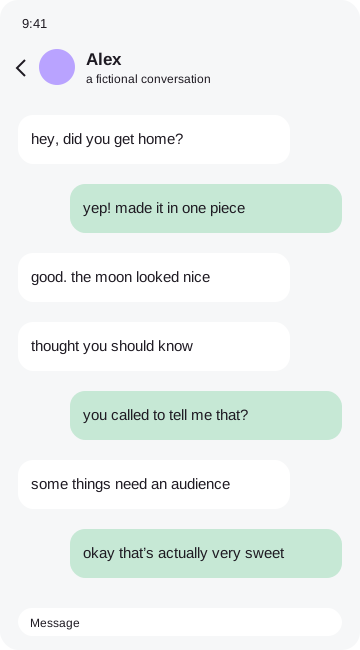 plot twist
How to make it
- Import the screenshot containing the funny reply.
- Keep enough context for the joke to make sense.
- Choose the Funny pack and add one burst or arrow.
- Export a square or story image for sharing.
Keep the joke readable and kind
Leave the actual message clear. Put a burst beside the paper and use a circle to call out the punchline, instead of placing stickers over every word. Crop out unrelated conversations and hide identifying details before sharing beyond the group. A joke can travel further than you expect; ask whether the person in the screenshot would be comfortable with the audience you have in mind.
Your original image remains in browser memory while you work. Frames, stickers and marks become part of a flattened export, so the result is ready to save or share. You can remove the tiny credit sticker in the Export tab with one tap. No account, payment or tracking is required. Before sending a personal conversation to someone else, check every corner of the exported file and make sure you have permission to share it.
Good questions
Can I change the message to improve the joke?+
No. The editor only decorates real screenshots and cannot rewrite message text.
Is my screenshot uploaded?+
No. Image processing and exports happen entirely in your browser.
Can I remove the credit?+
Yes. Switch off the credit sticker in Export.
Can I hide private details?+
Yes. Drag an opaque Hide cover over each detail, then check your exported file.