Screenshot to Instagram Story in one minute
A tall story needs more than stretching a screenshot to fill the screen. Place the chat on paper, leave space around it, and let a few stickers create a composition. Choose the Story export for a 9:16 file that fits a typical vertical story. This editor prepares the image locally; you decide where to upload the finished result.
Try this style →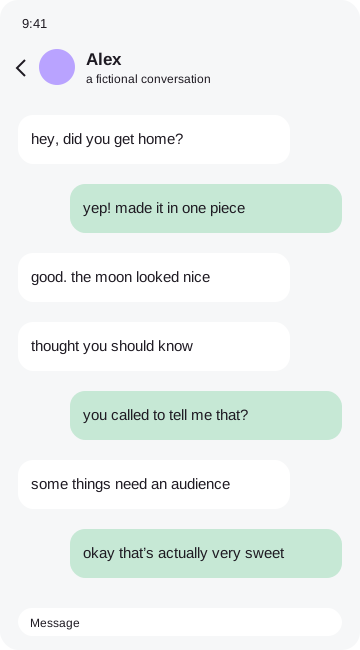 the moment i knew
How to make it
- Pick a screenshot and a frame.
- Keep labels and stickers away from the outer edges.
- Open Export and choose Story.
- Download the image and add it to your story in your own app.
Leave room for the story interface
Story interfaces often cover the top and bottom with names, replies and controls. Keep essential words and captions toward the middle of the composition. The Story export centers the scrapbook on a tall background instead of stretching the chat bubbles. Preview your downloaded image inside the destination app before posting. Hide names and numbers first, and remember that a private chat may need permission even when the screenshot looks beautiful.
Your original image remains in browser memory while you work. Frames, stickers and marks become part of a flattened export, so the result is ready to save or share. You can remove the tiny credit sticker in the Export tab with one tap. No account, payment or tracking is required. Before sending a personal conversation to someone else, check every corner of the exported file and make sure you have permission to share it.
Good questions
Does this publish to Instagram automatically?+
No. Download the file and choose where to share it yourself.
Is my screenshot uploaded?+
No. Image processing and exports happen entirely in your browser.
Can I remove the credit?+
Yes. Switch off the credit sticker in Export.
Can I hide private details?+
Yes. Drag an opaque Hide cover over each detail, then check your exported file.